Install TestFlight
Download Apple’s free TestFlight app from the App Store. If you already have it, continue to step two.
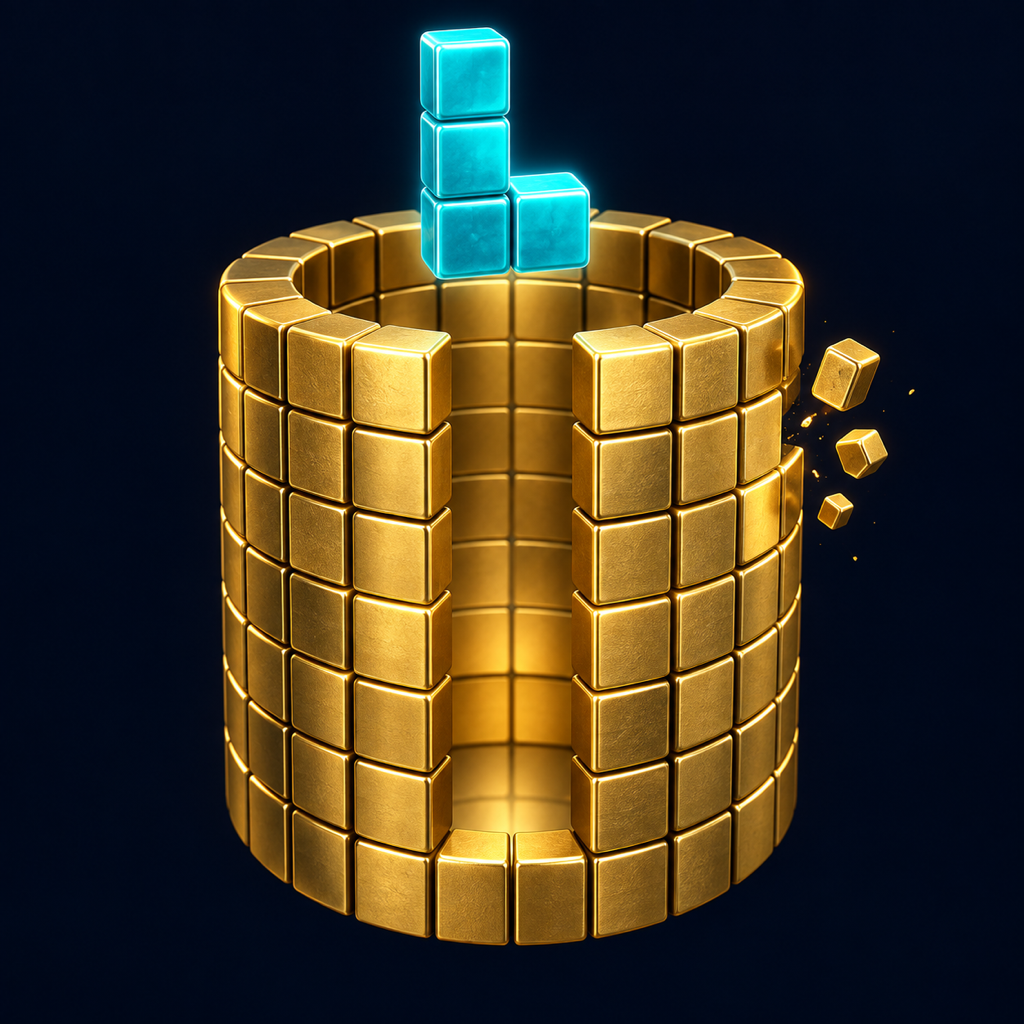
Get TestFlight from AppleTurn the tower. Find the fit. Clear a complete ring and watch the tiles break apart.
Four ways to play. No timers. Take your time with the next piece.
Open now to early players · iOS and iPadOS 18 or later · TestFlight required
TestFlight is Apple’s free app for trying new apps before their public release. Follow these three steps on the iPhone or iPad where you want to play.
Download Apple’s free TestFlight app from the App Store. If you already have it, continue to step two.
Get TestFlight from AppleTap the invitation button below. Your device will open the Ringfall page in TestFlight.
Open the Ringfall invitationIn TestFlight, tap Accept, then Install. Open Ringfall and start building around the tower.
Free to join. No account inside Ringfall. Space may be limited.
Each mode keeps its own progress on your device.
Clear a fixed tower, one ring at a time. No new rows appear as you play.
Keep clearing as new rows rise from below. Ring goals increase as you progress through towers.
Clear a ring and let the remaining tiles tumble into the spaces below. Set up satisfying chain reactions.
Work through designed towers with a fixed set of pieces. Study the next shape and keep gaps reachable. Every puzzle has a solution.
Choose your tower color, background and tile-face design. Then give your tiles a material of their own.
Wood grain, glazed ceramic and textured stone—with drop and break sounds matched to each material. Sound and haptics are optional.
A short practice round introduces turning, rotating and dropping. Skip it if you prefer, or revisit How to play from Pause.
Play offline with no account, ads or cloud sync. Your progress and customizations are saved locally on your iPhone or iPad.
Turn the tower, find the fit and help shape Ringfall on its way to release.