

A different scene on every display.
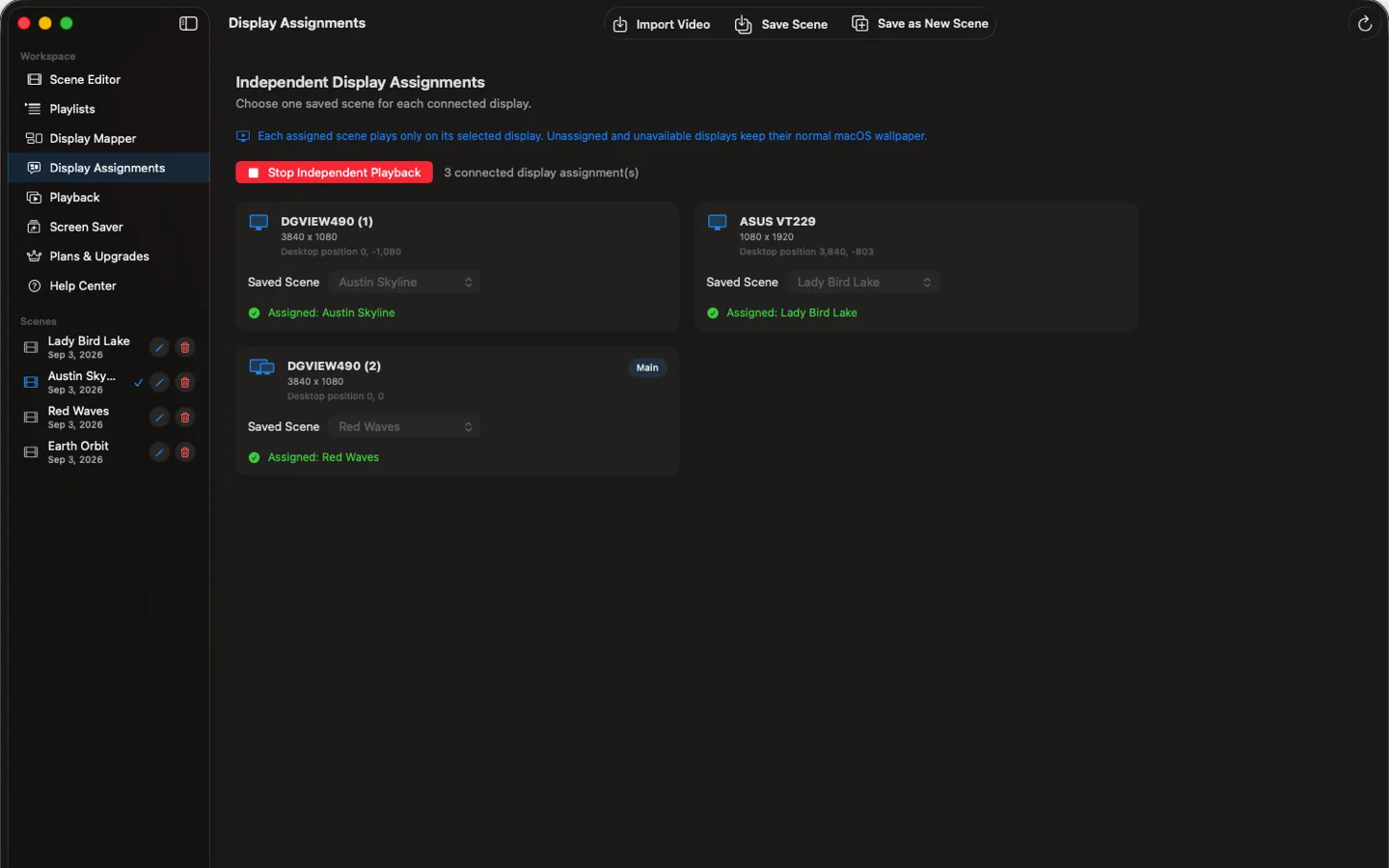
Assign a separate video and framing to each monitor with Pro+. Your saved assignments return with the matching setup.
Turn local videos into one continuous canvas across your Mac displays—or give each display its own scene.
No watermarks. No subscription. Start with free Basic, then choose a one-time Pro upgrade for more control.
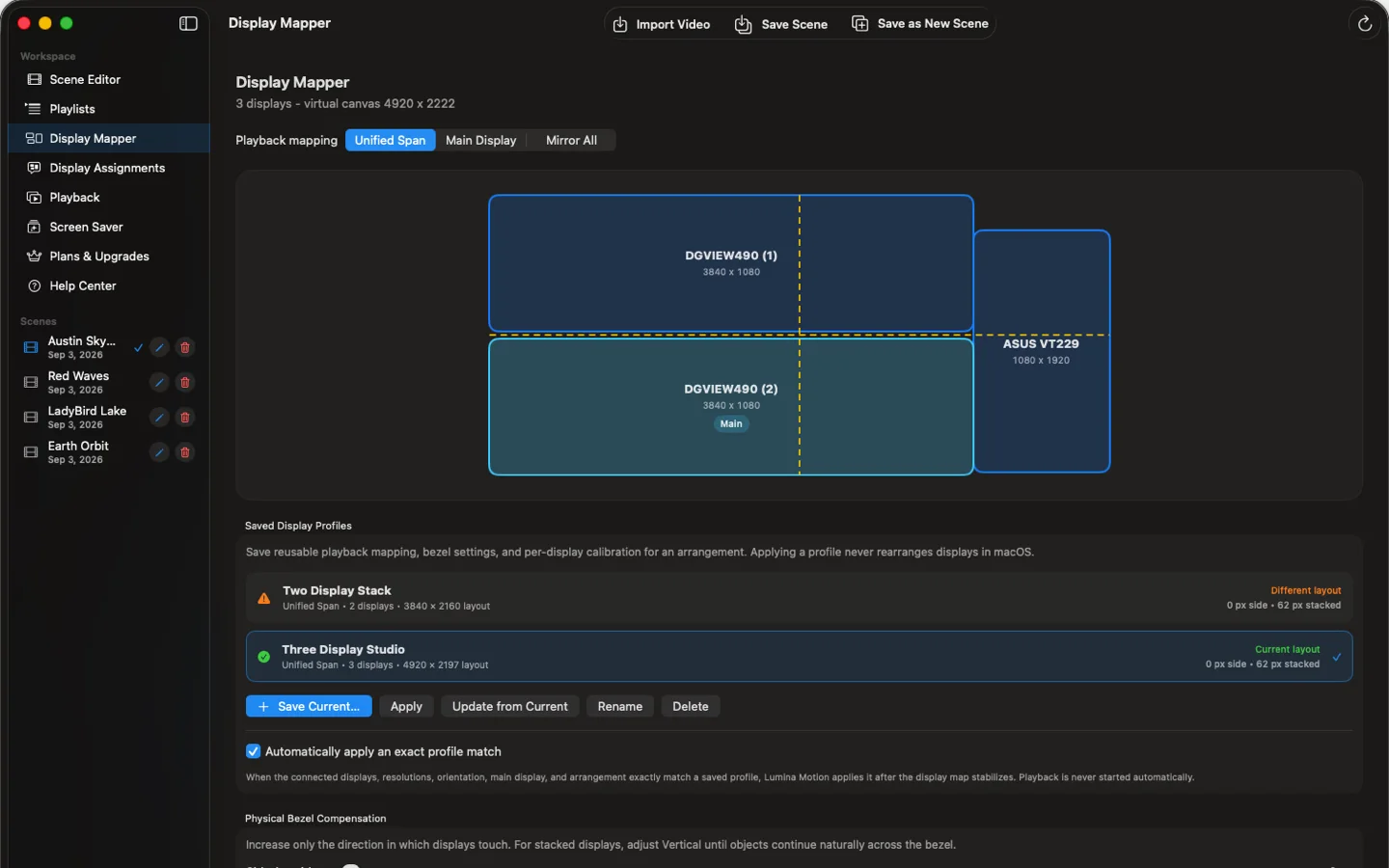
Connect ultrawide, Retina, stacked and portrait displays in one continuous scene. Lumina Motion maps their position, scale and spacing so movement lines up across your desk.
Three displays form one synchronized canvas after mixed-display and bezel calibration.
Assign a separate video and framing to each monitor with Pro+. Your saved assignments return with the matching setup.
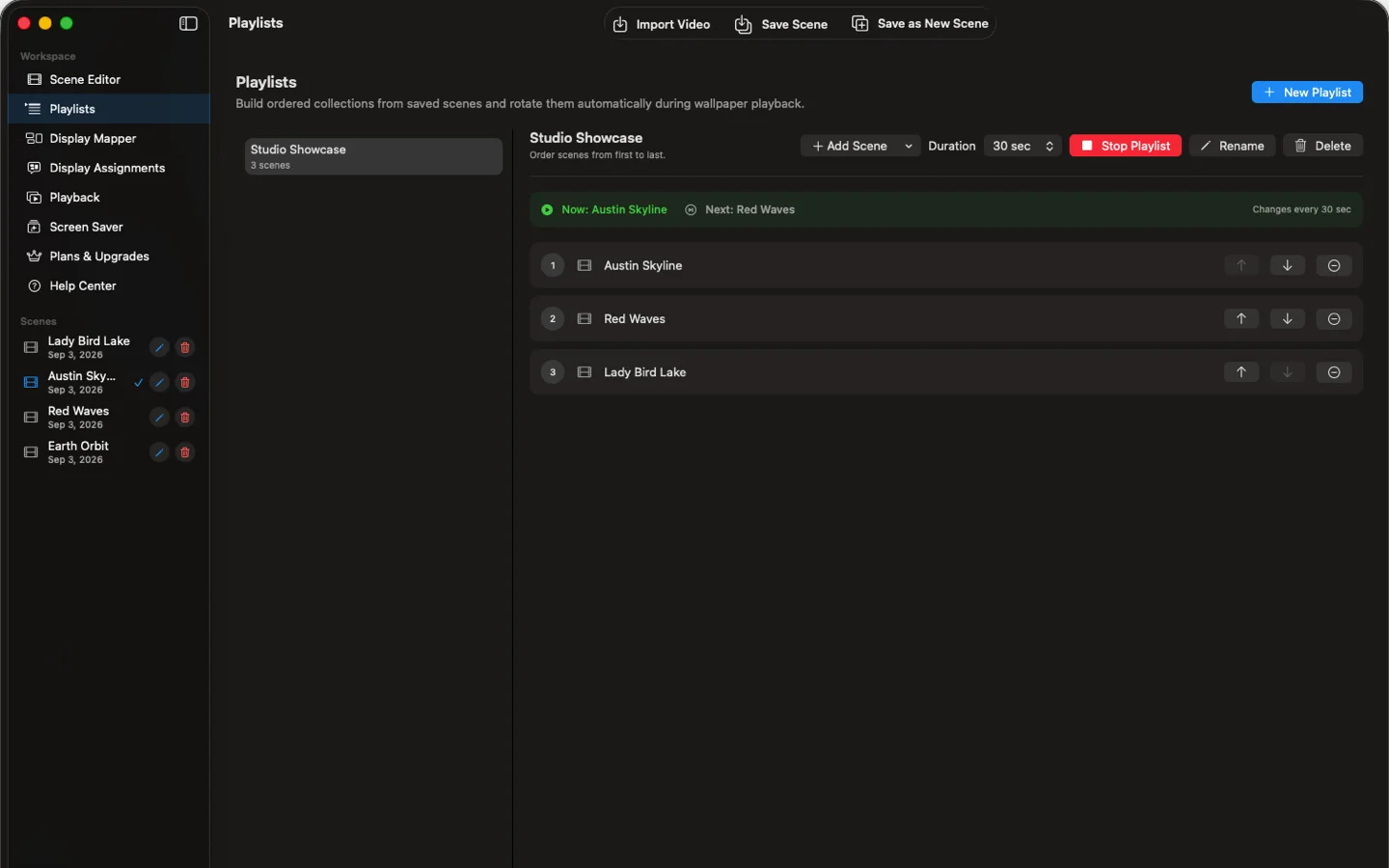
Save your video, layout and loop as a scene. With Pro, arrange scenes into playlists that change automatically.
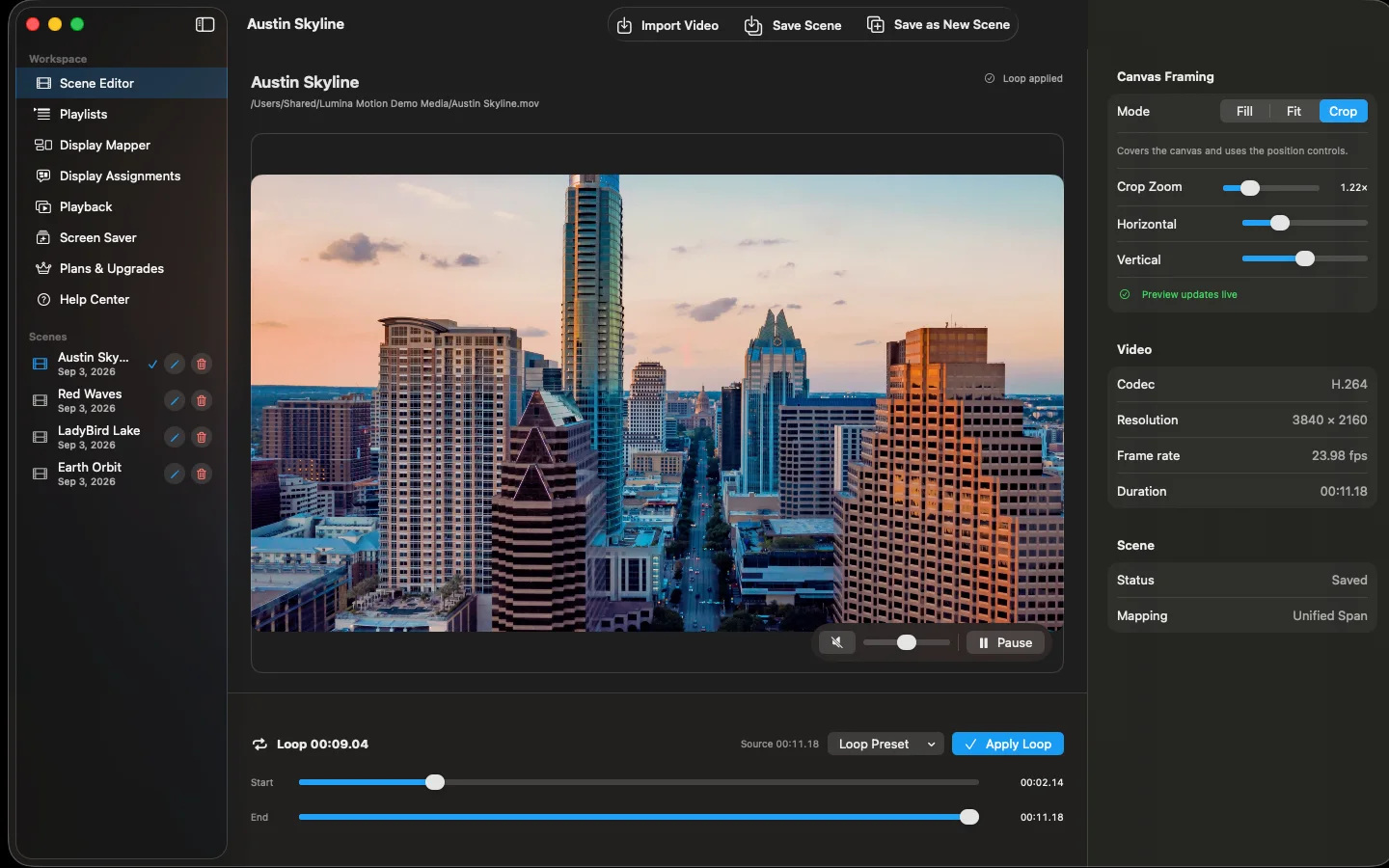
Set a full-video or custom loop, then adjust framing in the native Scene Editor. Keep the parts of your video that matter on screen.
Start free, then unlock more control with a lifetime purchase. No subscription.
Already have Pro? Upgrade to Pro+ for $9.99.
Choose the level of display control that fits your Mac setup.
| Feature | Basic | Pro | Pro+ |
|---|---|---|---|
| Price | Free | $14.99 lifetime | $24.99 lifetime |
| Saved scenes | Up to 3 | Unlimited | Unlimited |
| Playback modes | Main, Span & Mirror | Main, Span & Mirror | Main, Span, Mirror & Independent |
| Optional screen saver | Included | Included | Included |
| Automatic playlists | — | Included | Included |
| Advanced crop & audio | — | Included | Included |
| Bezel compensation | — | Included | Included |
| Display profiles | — | Saved profiles | Saved + automatic matching |
| Performance presets | Balanced | Quality, Balanced & Efficiency | Quality, Balanced & Efficiency |
| Independent video per display | — | — | Included |
| Per-display framing | — | — | Included |
Pay once. Use it for life. No subscription.
Prices shown in U.S. dollars. App Store pricing may vary by region.
Your videos stay on your Mac. No uploads, no watermarks. Performance presets let you match playback to your hardware.
Main Display keeps motion on your primary screen. Unified Span stretches one composition across your layout. Mirror All repeats the full video on each screen. Pro+ adds Independent mode for a separate scene on each display.
Fit preserves the complete frame; Fill covers the canvas; Crop lets you zoom and position it. Pro adds advanced Crop controls and horizontal or vertical bezel spacing to account for the gaps between screens. Pro+ adds per-display framing calibration.
Pro saves the geometry, bezel spacing and calibration of your display arrangements. Pro+ adds automatic exact matching to restore the right configuration when the same setup reconnects.
Lumina Motion restores playback after sleep, wake and supported display changes, re-evaluating your connected display layout.
Choose Quality, Balanced or Efficiency presets with Pro; Basic uses Balanced. Playback health tools and diagnostics help identify issues. Built-in safety limits ask for a clean restart when needed. Copied support diagnostics omit video names and file paths.
Install the screen saver when you choose; macOS presents the approval. In System Settings, choose Lumina Motion under Other in the Screen Saver chooser, open Options and select a separate local MP4 or MOV video.
Quick answers about compatibility, displays, performance and privacy.
Yes. If you have a single display and want a looping video wallpaper, the free Basic tier has you covered. Lumina Motion also supports multi-display workspaces, with paid upgrades for features such as bezel compensation and independent scenes on each display.
MP4 and MOV video files stored locally on your Mac.
Yes. Lumina Motion maps mixed-resolution, ultrawide, stacked, portrait and offset layouts. Per-display calibration and physical bezel compensation help motion continue naturally between screens.
Yes. Independent mode is included with Pro+ and supports separate video assignments and framing calibration for each display.
High-resolution playback depends on your Mac, the video codec, storage speed and display arrangement. Quality, Balanced and Efficiency presets let you match playback to your hardware.
Local storage usually provides the most consistent playback. A fast external SSD can also work well; slower drives or hubs may limit high-resolution multi-display playback.
No. Your source videos remain on your Mac and play locally. Copied support diagnostics omit video names and file paths.
Download Lumina Motion free and start with Basic. Unlock Pro or Pro+ with optional one-time lifetime purchases—no subscription.